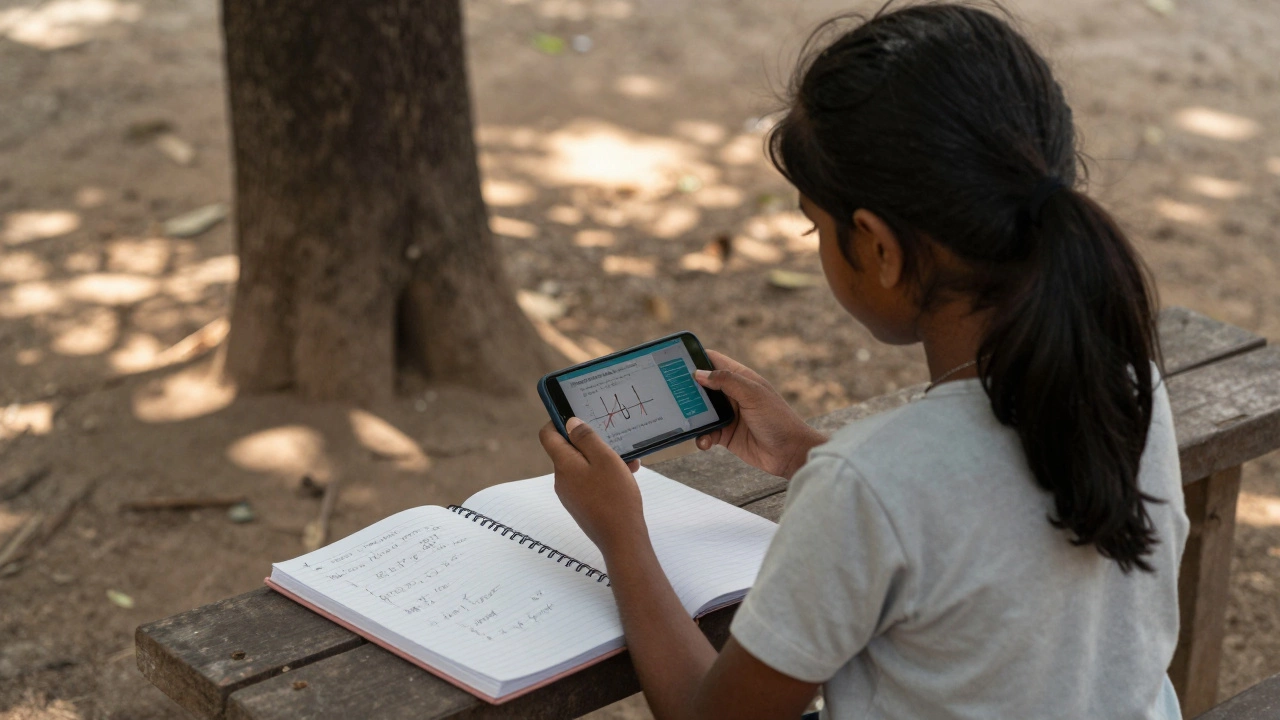
Everyone wants to learn more-whether it’s a new language, math skills, or how to code-but not everyone can afford to pay for it. The good news? There are plenty of educational apps that cost absolutely nothing and still deliver real value. You don’t need a credit card or a subscription to get started. In fact, some of the most effective learning tools out there are completely free, with no hidden paywalls or locked features.
Khan Academy: Learn anything, from kindergarten to college
Khan Academy isn’t just an app-it’s a full learning system. It covers math, science, economics, history, computer programming, and even test prep for the SAT and AP exams. All of it. For free. No ads. No trials. No upsells.
The app works offline, so you can download lessons and watch them on the bus or during a break. Each topic breaks down into short videos (usually 5-15 minutes), followed by practice exercises that adapt to your level. If you get stuck, it gives you hints, not answers. That’s how real learning happens.
Used by over 150 million students worldwide, Khan Academy is trusted by schools from rural India to public high schools in Sydney. It’s not flashy, but it’s built to last. And it’s been free since 2008.
Duolingo: Learn languages without spending a dime
If you’ve ever wanted to speak Spanish, Japanese, or French, Duolingo is the easiest way to start. It turns language learning into a game with streaks, points, and daily goals. You get five minutes a day, and that’s enough to build a habit.
The free version gives you access to all core lessons, grammar tips, and speaking exercises. The only catch? You’ll see occasional ads, and you can’t skip the daily streak reminders. But you don’t need to pay to learn the language.
Studies from the University of South Carolina found that 34 hours of Duolingo equals a full university semester of language instruction. That’s not hype-it’s data. And it’s all free.
PhET Interactive Simulations: Science made real
Science isn’t just about memorizing facts-it’s about seeing how things work. PhET, created by the University of Colorado Boulder, offers free interactive simulations for physics, chemistry, biology, and math. You can change variables in real time: adjust the mass of a planet, alter the voltage in a circuit, or watch how enzymes react.
These aren’t videos. They’re hands-on labs you can run on your phone. Teachers use them in classrooms. Students use them to understand what textbooks can’t explain. And yes, it’s 100% free. No sign-up, no login, no tracking.
It’s perfect for anyone struggling with abstract concepts like gravity, electricity, or chemical bonding. You don’t need a lab. You just need your phone.
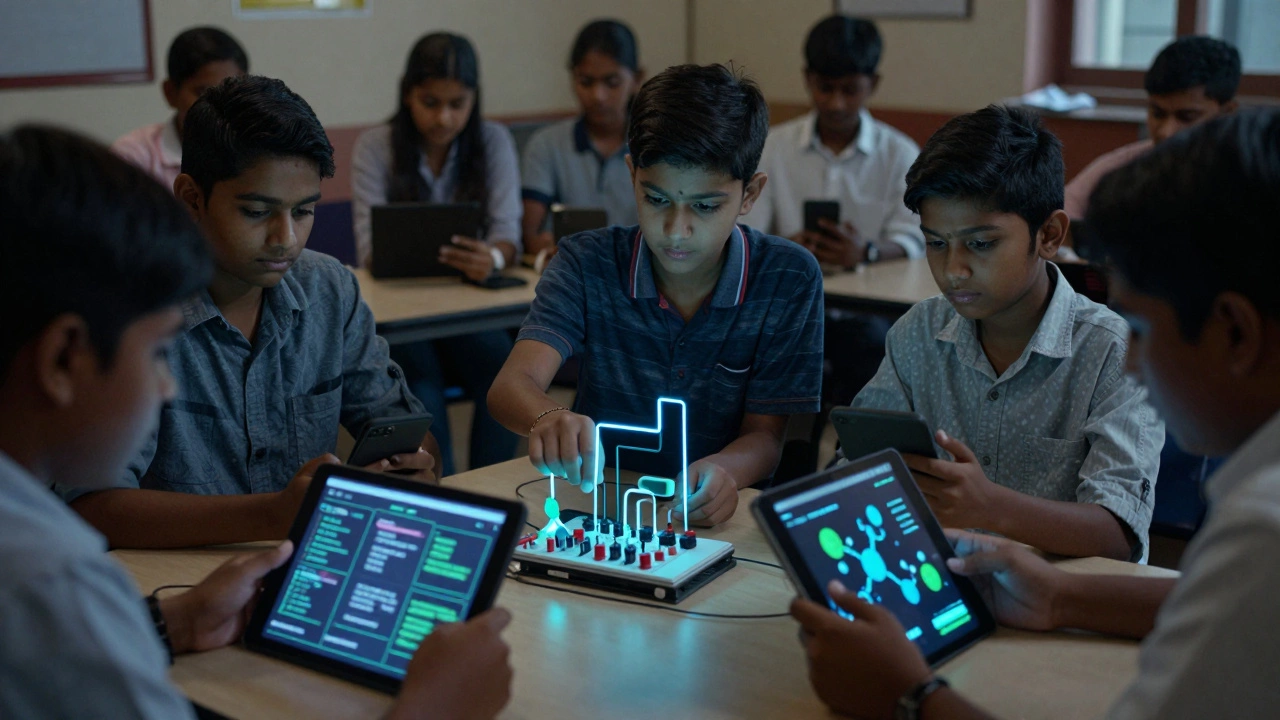
Google Classroom + Google Workspace: Free tools for students and teachers
Google Classroom isn’t just for schools-it’s a free learning hub anyone can use. Pair it with Google Docs, Sheets, and YouTube, and you’ve got a full digital classroom.
You can find public class materials shared by teachers around the world. Search for "Google Classroom [subject]" and you’ll find lesson plans, assignments, and quizzes on everything from algebra to poetry analysis. Many are downloadable and reusable.
Students in Australia, Nigeria, and Brazil use this setup to study independently. You can create your own study group, share notes, and even record yourself explaining a concept using Google Meet. All free. All legal. All powerful.
MIT OpenCourseWare: University-level courses, no tuition
Want to take a class from MIT? You can. For free. MIT OpenCourseWare (OCW) gives you access to the exact materials used in actual MIT courses: lecture notes, problem sets, exams, and sometimes full video lectures.
Subjects range from quantum mechanics to economics to art history. There’s no certificate at the end, but that’s not the point. The point is learning. Thousands of people use this to prepare for engineering jobs, pass certification exams, or just satisfy curiosity.
It’s not as polished as a YouTube tutorial. It’s raw, academic, and challenging. But if you want to learn like a college student without paying tuition, this is the closest thing you’ll find.
What’s not free? Watch out for the traps
Not every app that says "free" actually is. Some apps give you the first lesson for free, then lock everything else behind a paywall. Others offer a "free trial" that automatically renews. Some even use "freemium" to trick you into thinking you’re getting more than you are.
Here’s how to spot the real free apps:
- No credit card required to start learning
- No countdown timers limiting your access
- No "upgrade to unlock" buttons on every screen
- No forced ads that interrupt lessons
Khan Academy, Duolingo, PhET, Google Classroom, and MIT OCW pass all these tests. They’re free because they believe education should be a right, not a product.

How to pick the right one for you
Not every app works for every person. Here’s a quick guide:
- Need structure? Go with Khan Academy or MIT OCW.
- Want to speak a language? Duolingo is your best bet.
- Struggling with science? PhET makes it click.
- Prepping for exams? Khan Academy’s SAT and AP sections are unmatched.
- Want to organize your own study? Use Google Classroom to build your own curriculum.
You don’t need to use all five. Just pick one that matches your goal. Start small. Do 10 minutes a day. That’s enough to beat 90% of people who say they "want to learn" but never start.
Real results from real users
A 16-year-old from rural Queensland used Khan Academy to teach herself calculus. She passed her Year 12 math exam with an A. A 45-year-old factory worker in New South Wales learned Spanish through Duolingo and got a promotion because he could help customers. A high school teacher in Melbourne built a custom study plan using Google Classroom and MIT OCW materials-his students’ average scores jumped by 27%.
These aren’t rare stories. They’re happening every day. All you need is a phone, an internet connection (even slow one), and the will to start.
What comes next?
Once you’ve used one of these apps for a few weeks, you’ll start noticing something: you’re learning faster than you thought possible. You might even want to go further. That’s when you look into free certifications from Coursera or edX (they offer financial aid), or join free study groups on Reddit or Discord.
But don’t rush. Master one app first. Build the habit. Then expand.
Education doesn’t cost money. It costs time. And you already have that.
Are there any truly free educational apps with no ads?
Yes. Khan Academy and PhET Interactive Simulations have zero ads and no paywalls. They’re funded by donations and grants, not by selling your data or locking content. You can use them completely uninterrupted.
Can I use free educational apps for my child’s homework?
Absolutely. Khan Academy has dedicated sections for K-12 subjects aligned with global curriculums, including Australian standards. Google Classroom lets parents and students access shared assignments. Many teachers recommend these tools because they’re reliable and don’t require payment.
Do free apps teach as well as paid ones?
In many cases, yes. A 2023 study by the University of Sydney compared learners using free apps versus paid platforms and found no significant difference in knowledge retention-when users spent the same amount of time. The quality of content matters more than the price tag.
Is Duolingo really enough to become fluent?
Duolingo alone won’t make you fluent, but it’s an excellent foundation. It builds vocabulary, grammar, and listening skills. To become fluent, combine it with free resources like YouTube channels (e.g., "Easy Languages"), language exchange apps like Tandem (free version), or local conversation groups. Duolingo gets you to the starting line.
Can I download lessons for offline use?
Yes. Khan Academy, Duolingo, and PhET all let you download lessons for offline use. This is perfect if you have limited data, live in an area with poor internet, or want to study on a flight. Just make sure to download while connected to Wi-Fi.
Start today. Pick one app. Do five minutes. Then come back tomorrow. That’s all it takes to begin.