
E-Learning Compatibility Checker
Confused about whether your course files will work on your learning platform? Use this checker to visualize the "Container vs. Content" relationship and verify compatibility.
Select options above and click "Check Compatibility" to see how they interact.
You’ve probably been there. You’re sitting in a meeting, someone says, "We need an LMS that supports SCORM," and everyone nods like they know exactly what that means. But if you pause to think about it, one is a platform, and the other is a file format. It’s like asking, "What's the difference between a car and gasoline?" One drives you around; the other makes the engine run. Yet, people constantly mix them up, leading to expensive mistakes when buying software.
The confusion usually stems from how tightly these two concepts are linked in the industry. You can’t have modern corporate training without both working together. But understanding their distinct roles saves you from buying a tool that can’t do what you need, or creating content that won’t play on your new system. Let’s break down exactly what each one does, why they are different, and how they fit into your digital learning strategy.
Key Takeaways
- LMS (Learning Management System) is the software platform that hosts, tracks, and manages learners and courses.
- SCORM (Sharable Content Object Reference Model) is a technical standard that allows course content to communicate with the LMS.
- An LMS is the container; SCORM is the language spoken inside that container.
- You cannot use SCORM content effectively without an SCORM-compliant LMS.
- Newer standards like xAPI are replacing SCORM for more complex tracking needs.
What Exactly Is an LMS?
Think of an LMS (a software application for the administration, documentation, tracking, reporting, automation, and delivery of educational courses) as the digital classroom. It is the central hub where everything happens. When you log in to take a course, see your progress bar, download a certificate, or get assigned a mandatory compliance module, you are interacting with the LMS.
Its job is administrative and logistical. It handles user accounts, groups, permissions, and reporting. If HR wants to know who finished their safety training by Friday, they look at the LMS dashboard. The LMS doesn't care what's inside the course-whether it's a video, a quiz, or a simulation-it just knows that a user started it, paused it, or finished it. Popular examples include Moodle, Canvas, Docebo, and Cornerstone OnDemand. These platforms vary in price and complexity, but they all share this core function: managing the learner's journey.
Decoding SCORM: The Communication Standard
If the LMS is the school building, SCORM (a set of technical standards for e-learning software products) is the rulebook that ensures every teacher speaks the same language. Created by the Advanced Distributed Learning (ADL) initiative, SCORM isn't software you buy. It's a specification-a set of rules that developers follow when building e-learning modules.
Why does this matter? Imagine you buy a PowerPoint presentation from one vendor and try to open it on another vendor's computer. If both computers speak the same operating system language, it works. SCORM does this for web-based courses. It packages course content into a specific zip file structure (called a PIF - Package Interchange Format) that any compliant LMS can read. More importantly, it defines how the course talks back to the LMS. It sends data points like "score: 85%," "status: completed," or "time spent: 10 minutes." Without SCORM, your fancy interactive course would be a black box to the LMS-the system wouldn't know if you actually learned anything.
The Fundamental Difference: Container vs. Content
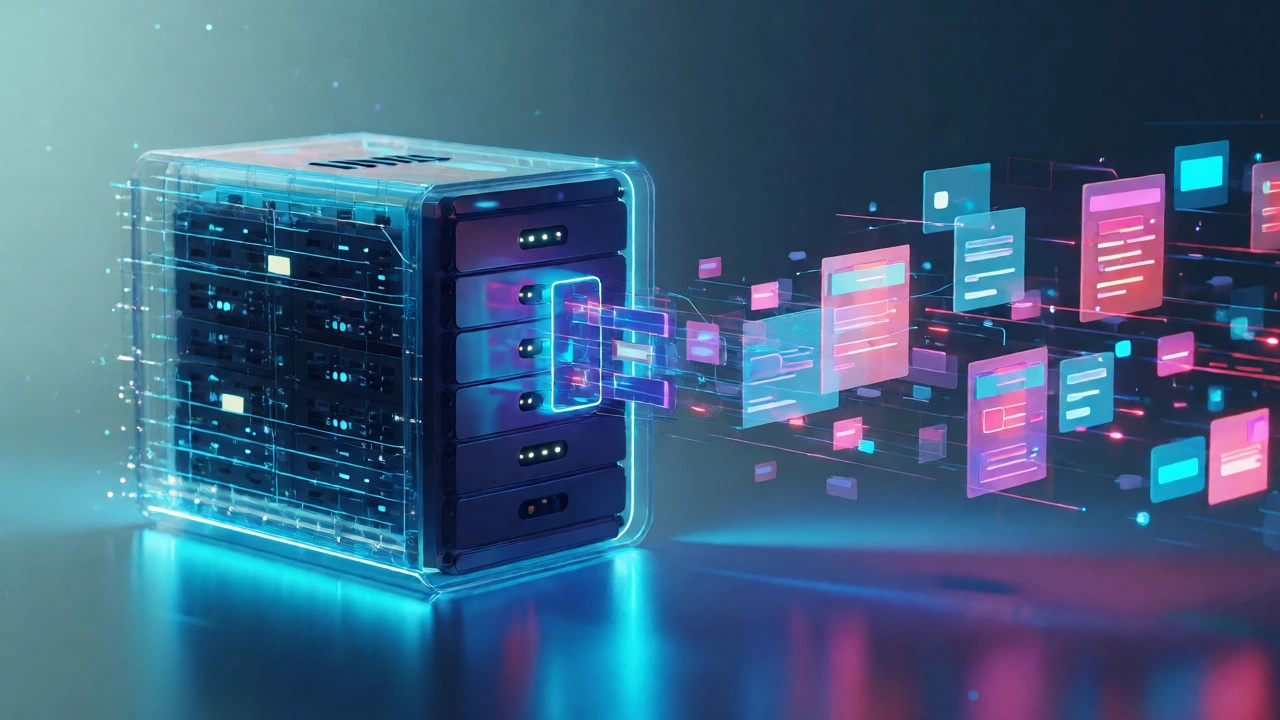
The biggest mistake people make is treating LMS and SCORM as competitors. They aren't. They are partners. The LMS is the platform; SCORM is the standard. You don't choose "LMS OR SCORM." You choose an LMS that supports SCORM.
To visualize this, consider the relationship between a DVD player and a DVD disc. The DVD player is the hardware (the LMS). The DVD disc contains the movie (the course content). SCORM is the manufacturing standard that ensures the disc fits in the player and the player reads the data correctly. If you have a Blu-ray player (an advanced LMS), you might still want to play old DVDs (SCORM content). But if you buy a CD player, you can't play the DVD at all. Similarly, if your LMS doesn't support SCORM 1.2 or SCORM 2004, you can't upload those standard course files.
| Feature | LMS (Learning Management System) | SCORM (Standard) |
|---|---|---|
| Primary Function | Hosts users, tracks progress, reports data | Packages content, enables communication between course and LMS |
| Type | Software Application / Platform | Technical Specification / Standard |
| Who Buys It? | Companies, Universities, Training Centers | N/A (It's free to implement, costs money to develop against) |
| Data Handling | Stores data in databases (SQL, NoSQL) | Transmits data via API calls (cmi.core.score.raw, etc.) |
| Examples | Moodle, Blackboard, TalentLMS | SCORM 1.2, SCORM 2004 (4th Edition) |
How They Work Together in Practice
Let’s walk through a real-world scenario. A company hires an instructional designer to create a cybersecurity awareness course. The designer uses authoring tools like Articulate Storyline or Adobe Captivate. These tools allow you to build slides, add quizzes, and insert videos. Once the course is built, the designer clicks "Publish." Here is where SCORM enters the picture.
The authoring tool asks: "Which standard do you want?" The designer selects "SCORM 1.2." The tool then generates a ZIP file containing HTML, JavaScript, and media assets structured according to SCORM rules. This ZIP file is the deliverable. The company then logs into their LMS (say, Docebo) and uploads this ZIP file. The LMS unzips it, registers it as a course object, and assigns it to employees.
When an employee opens the course, the LMS loads the SCORM package in an iframe. As the employee navigates through the slides, the JavaScript inside the SCORM package sends small messages to the LMS. "User viewed slide 3." "User got question 1 wrong." "User finished module." The LMS listens to these messages and updates the database. Finally, when the employee closes the tab, the LMS records the completion status. Neither component could do this alone. The content needs the LMS to store the data; the LMS needs the SCORM package to generate the data.
Beyond SCORM: Why Standards Evolve
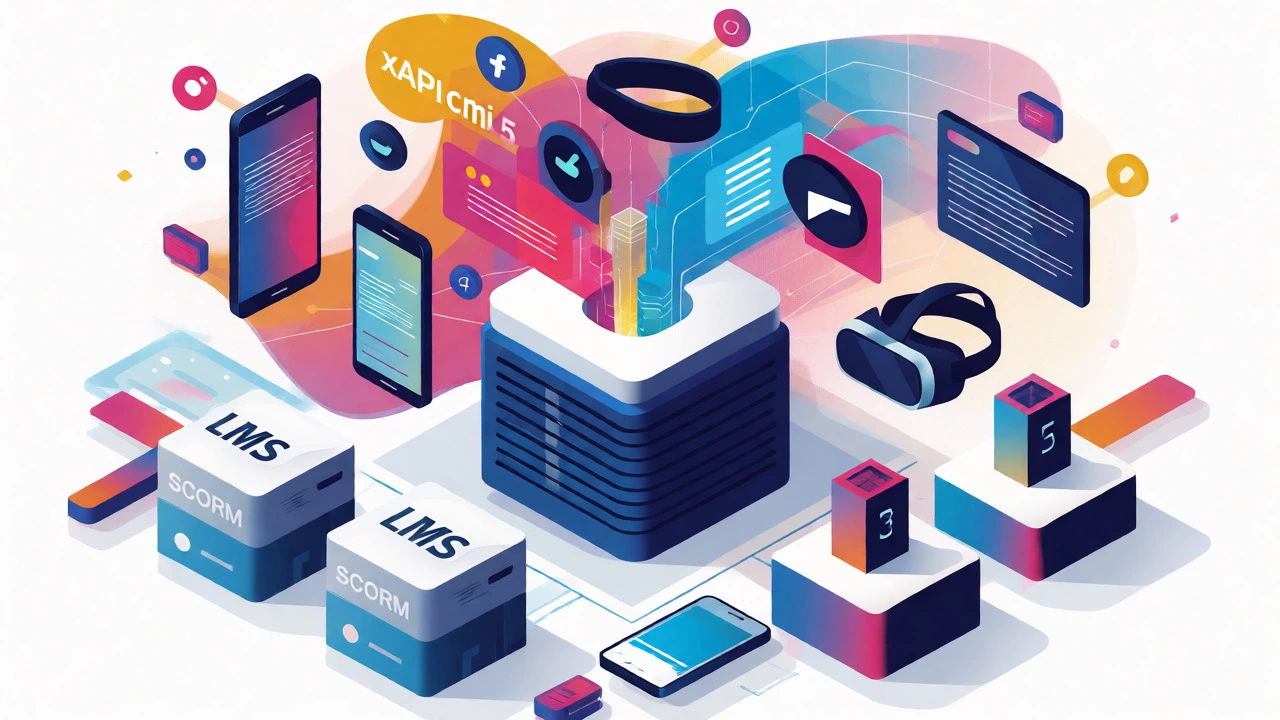
While SCORM has been the gold standard since the early 2000s, it has limitations. It was designed for linear, click-next-and-answer courses. It struggles with mobile learning, social interactions, or offline activities. That’s why you’ll hear about newer standards like xAPI (Experience API, also known as Tin Can API, which tracks learning experiences regardless of where they happen).
Unlike SCORM, which only talks to the LMS, xAPI can track actions anywhere. Did you watch a YouTube video on safety? Did you attend a live webinar? Did you use a mobile app to practice a skill? xAPI records these as "statements" (I did X). Modern LMSs often support both SCORM (for legacy content) and xAPI (for modern, flexible tracking). Another emerging standard is cmi5, which combines the best of both worlds, allowing for better security and richer data than SCORM while maintaining compatibility.
So, when choosing an LMS today, don't just ask "Does it support SCORM?" Ask "Does it support xAPI and cmi5?" This future-proofs your investment. If you stick strictly to SCORM, you might find yourself locked out of innovative learning experiences that require deeper analytics.
Common Pitfalls to Avoid
One major issue is version mismatch. SCORM 1.2 and SCORM 2004 are not fully compatible. Some older LMSs only support SCORM 1.2. If you publish a course in SCORM 2004 and upload it to a 1.2-only system, it might fail to launch or report scores incorrectly. Always check your LMS’s supported versions before publishing.
Another pitfall is assuming all LMSs handle SCORM identically. While they follow the standard, implementation varies. Some LMSs struggle with large SCORM packages or complex sequencing rules defined in SCORM 2004. Testing your content on your specific LMS environment is crucial. Don't trust the preview mode in your authoring tool; test the actual upload.
Finally, remember that SCORM doesn't make good content. It just makes it readable. A poorly designed course wrapped in SCORM is still a bad course. Focus on pedagogy first, technology second.
Frequently Asked Questions
Can I use SCORM without an LMS?
Technically, yes, but you lose the main benefit. You can host SCORM files on a simple web server, and they will display. However, without an LMS to receive and store the tracking data (scores, completion status), the data disappears once the browser closes. You'd need a separate "Learning Record Store" (LRS) to capture xAPI data, but for traditional SCORM, an LMS is practically required for meaningful tracking.
Is SCORM dead?
No, but its dominance is waning. SCORM 1.2 remains widely used because it's simple and universally supported. However, for new projects requiring mobile compatibility, offline access, or detailed analytics, standards like xAPI and cmi5 are preferred. Many organizations maintain SCORM for legacy content while adopting newer standards for new initiatives.
Do I need to pay for SCORM?
The SCORM standard itself is free to use. However, authoring tools that produce SCORM-compliant content (like Articulate Rise or Adobe Captivate) often require paid licenses. Additionally, ensuring your LMS is SCORM-compliant may involve higher-tier subscription plans depending on the vendor.
What is the difference between SCORM 1.2 and SCORM 2004?
SCORM 1.2 is simpler and more widely supported but lacks advanced features like multi-level sequencing and rich bookmarking. SCORM 2004 introduced more complex sequencing and navigation controls, allowing for adaptive learning paths. However, SCORM 2004 is harder to implement correctly, and not all LMSs support it fully. For most basic corporate training, SCORM 1.2 is still sufficient.
Can an LMS work without SCORM?
Yes. An LMS can host native content, videos, PDFs, or links to external sites without using SCORM. In fact, many modern microlearning platforms prefer native formats because they load faster and offer better mobile UX. SCORM is only necessary if you need interoperability between content created by different vendors and the LMS.
Next Steps for Your E-Learning Strategy
If you're setting up a new training program, start by defining your content strategy. Will you create custom courses internally? Then ensure your authoring tool exports to SCORM 1.2 or xAPI. Buying off-the-shelf content? Check if the vendor provides SCORM packages. Evaluating LMS providers? Ask specifically about their support for SCORM 2004, xAPI, and cmi5. Test the upload process during your trial period. Don't let the acronyms intimidate you-just remember: LMS is the house, SCORM is the key that unlocks the doors and tells you who entered.